
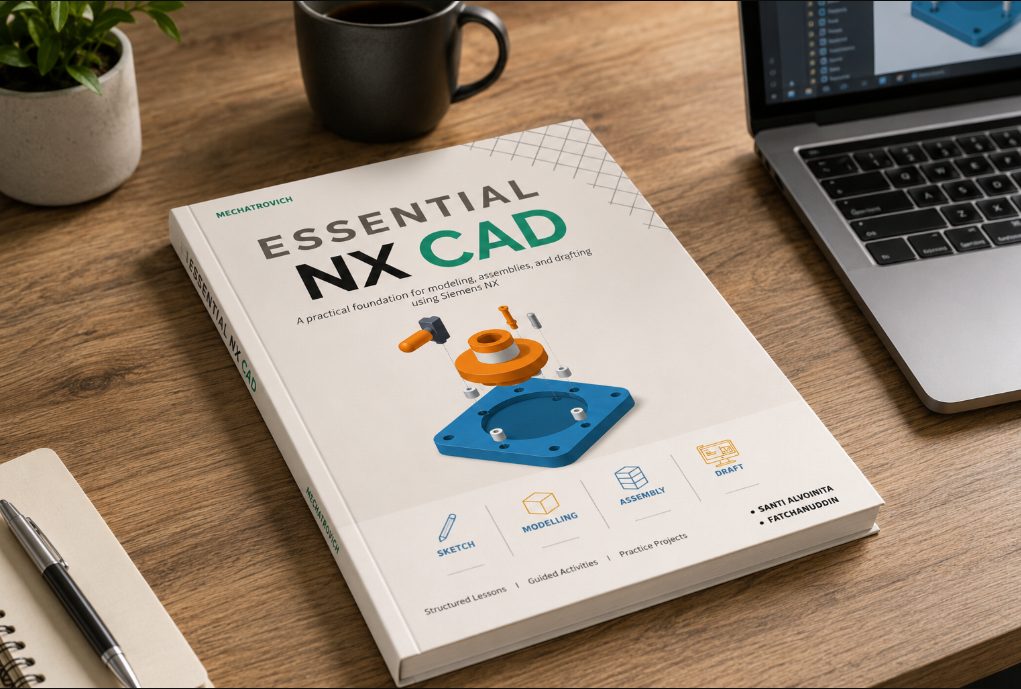
A structured companion for working with NX.
The NX Practical Design Guide is a 153-page digital reference designed to take readers from the NX interface and fundamental sketching through part creation, assemblies, production drawings, advanced modeling methods, and applied projects.
Instead of presenting commands as disconnected definitions, the guide explains where each function belongs in the wider CAD workflow. Readers first learn the environment and core methods, then apply them through guided activities and complete practice parts.
Independent publication: This guide is offered independently through Mechatrovich and is not an official Siemens publication or a replacement for Siemens documentation and certified training.
What is inside the book
Six structured lessons build the working foundation: getting started in NX, sketches, part features, assemblies, drafting, and freeform modeling. The guide then introduces synchronous modeling before concluding with ten practice projects that combine the workflow.
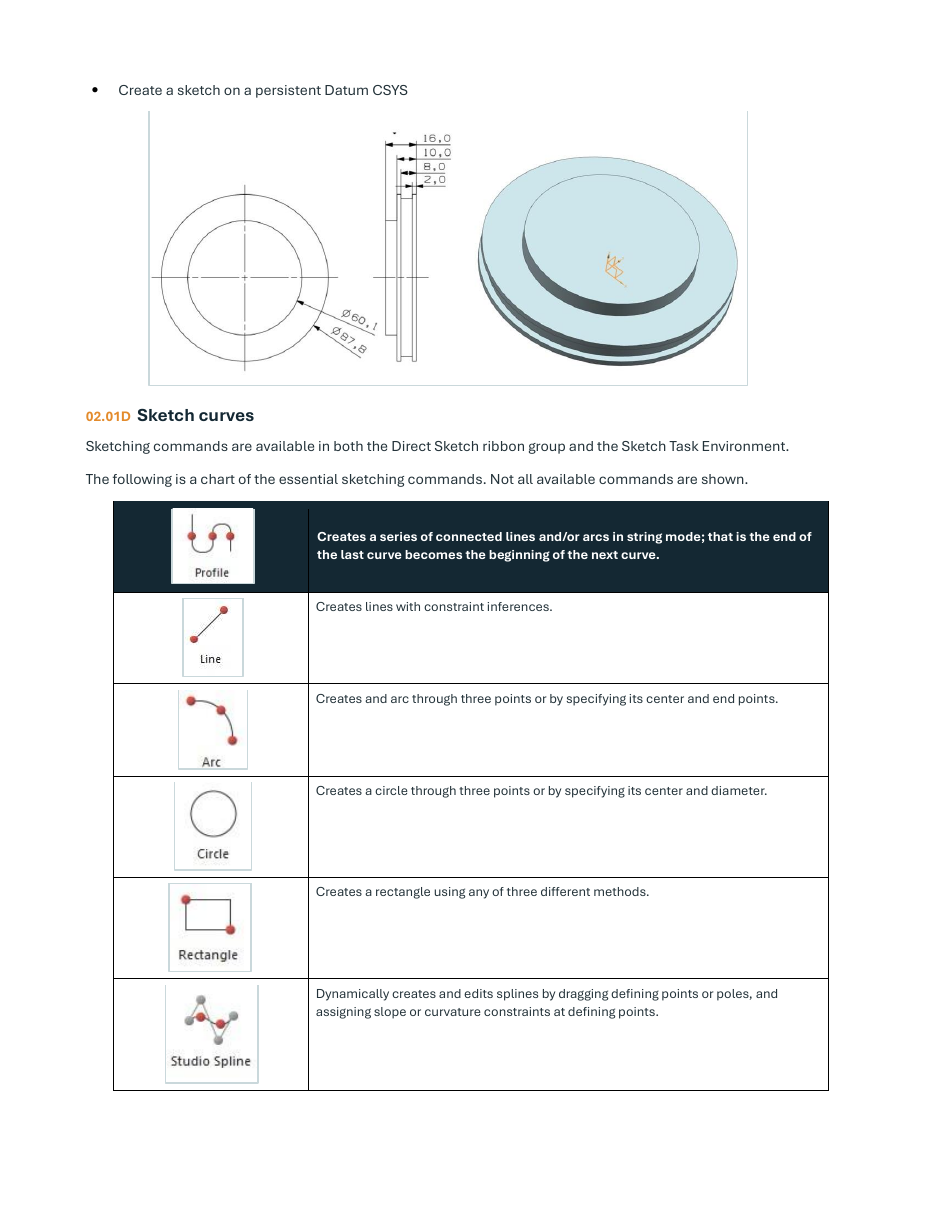
Build reliable geometry from constrained sketches
Learn how sketch planes, curves, dimensions, inferred constraints, and geometric constraints establish design intent. The lesson connects 2D profiles to the features they will later drive, so sketching is treated as the foundation of an associative model.
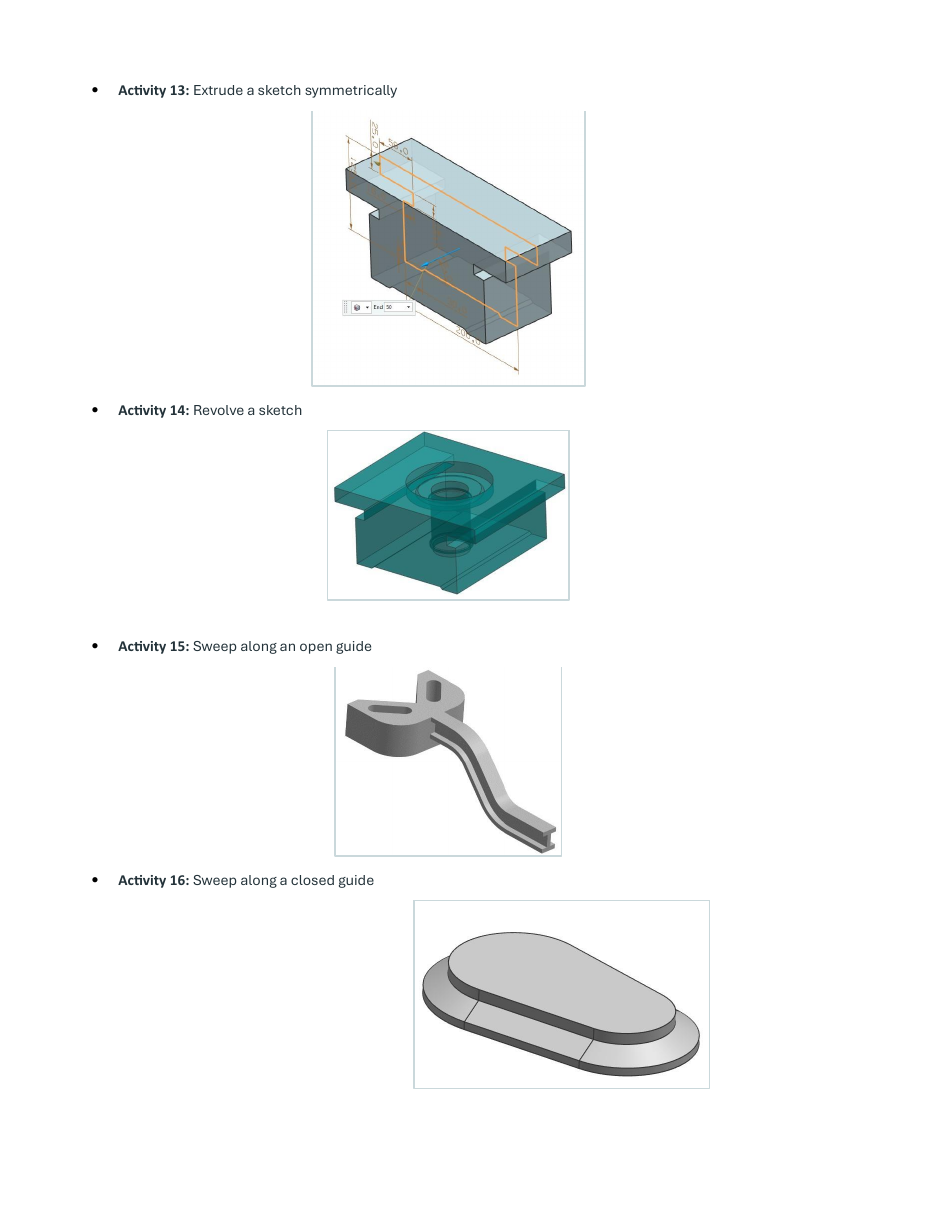
Turn profiles into complete 3D parts
Move through datum geometry, Boolean operations, extrude, revolve, sweep, holes, ribs, patterns, blends, chamfers, shells, and face operations. Illustrated activities show the kinds of geometry produced by the commands instead of leaving the workflow abstract.
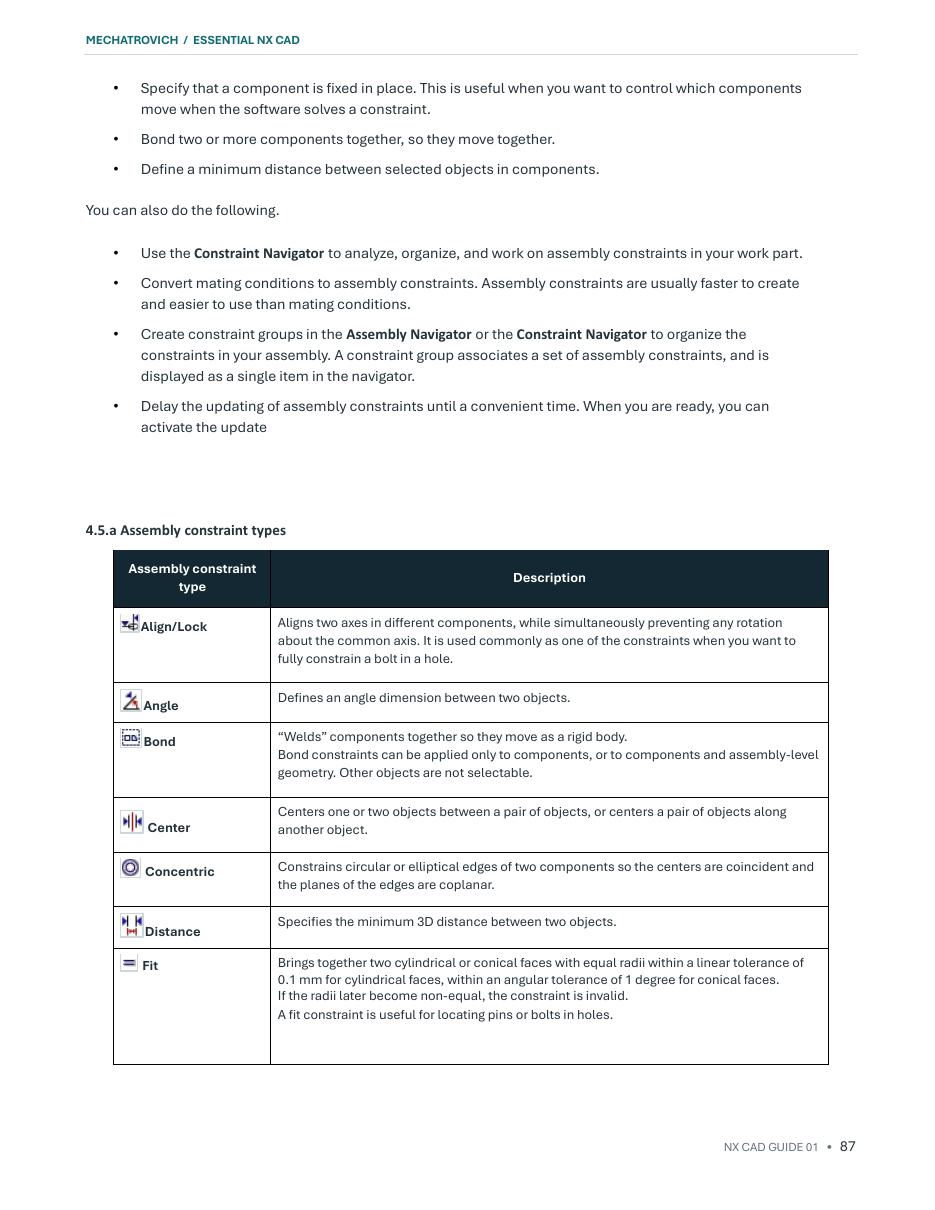
Position components with purposeful constraints
Understand top-down and bottom-up assembly approaches, adding components, the Assembly Navigator, and the constraint relationships used to locate parts. Constraint tables and step-by-step procedures help connect component structure with controlled movement.
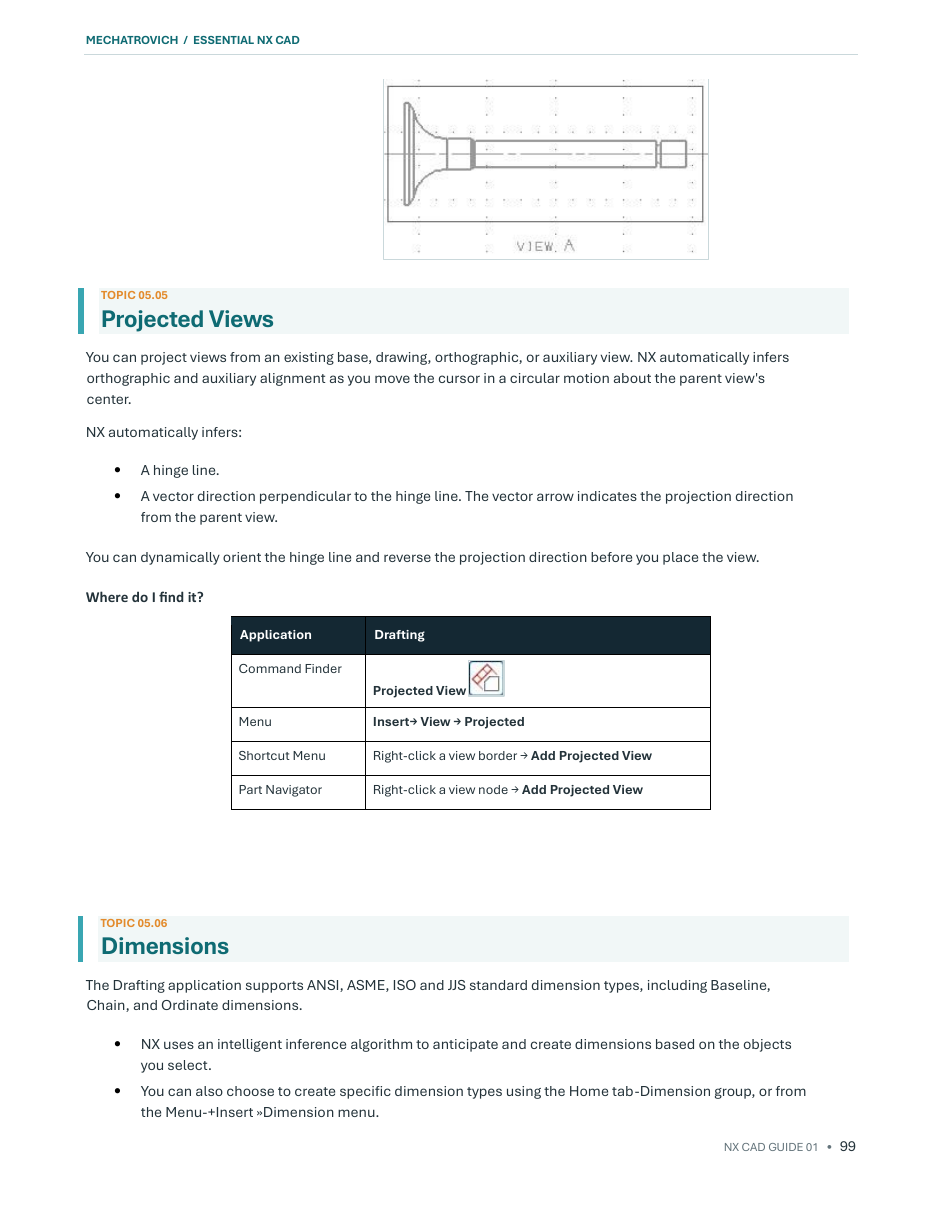
Create drawings that communicate the model
Set up drawing sheets, create base and projected views, then add dimensions, annotations, sections, details, and break views. The lesson explains how associative drawing views remain connected to the source model as the design develops.
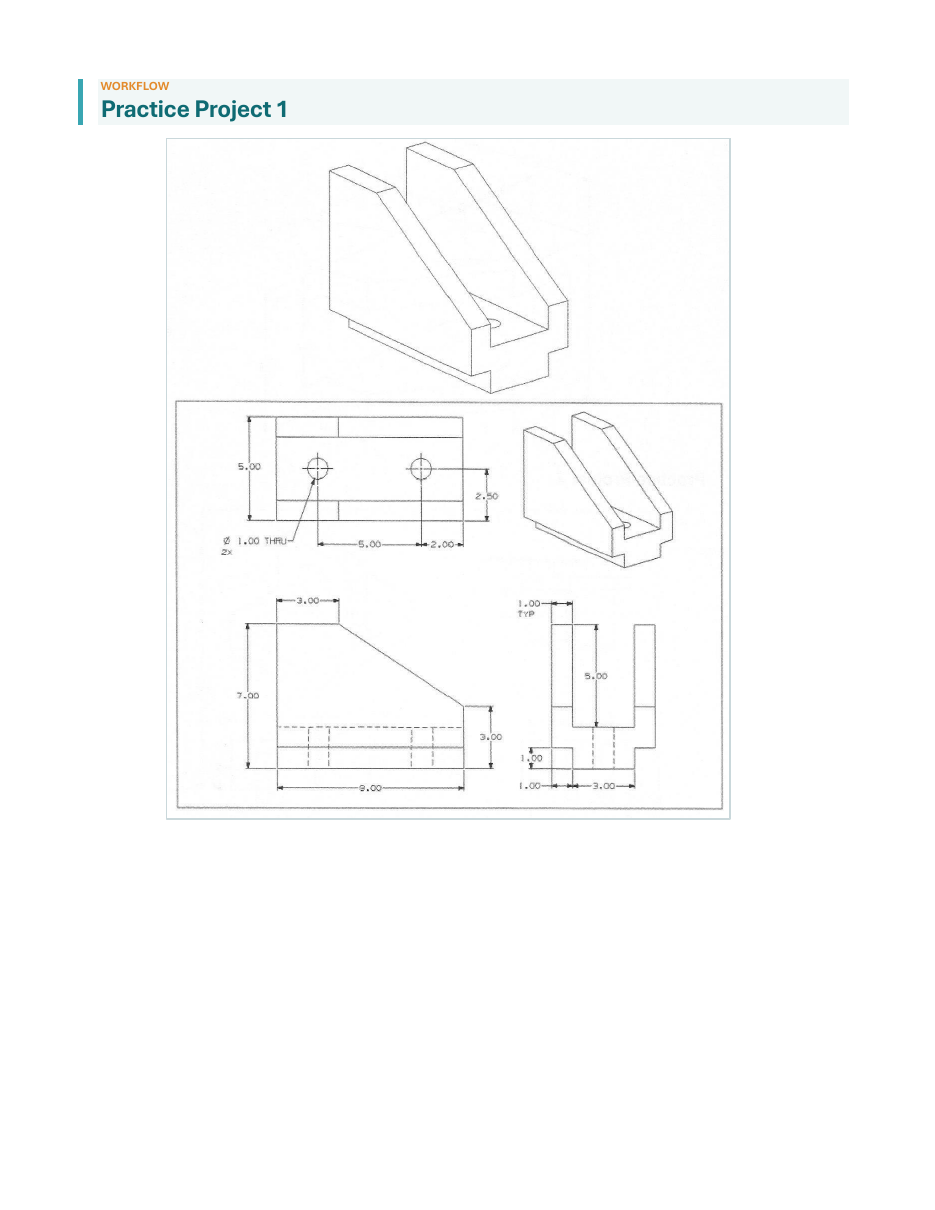
Ten projects turn reading into CAD practice
The final project set provides dimensioned parts to recreate in NX. Each drawing asks the reader to interpret geometry, plan a sketch-and-feature strategy, build the model, and check the result—bringing the individual lesson topics together in a realistic task.
Learning approach: concept explanations establish the method, illustrated activities show how the tools are used, and practice projects ask you to make the design decisions yourself.
Selected sample pages are shown at reduced size. Click a preview to inspect it more closely. The complete lessons and project set are included with the paid book.