
Quality & Statistics
Cpk, MSA, SPC, control charts, and the assumptions behind statistical quality methods.
Explore this area →Mechatrovich builds focused tools that help quality and manufacturing engineers review measurement data, understand process signals, and prepare clear outputs without building every workflow from scratch.
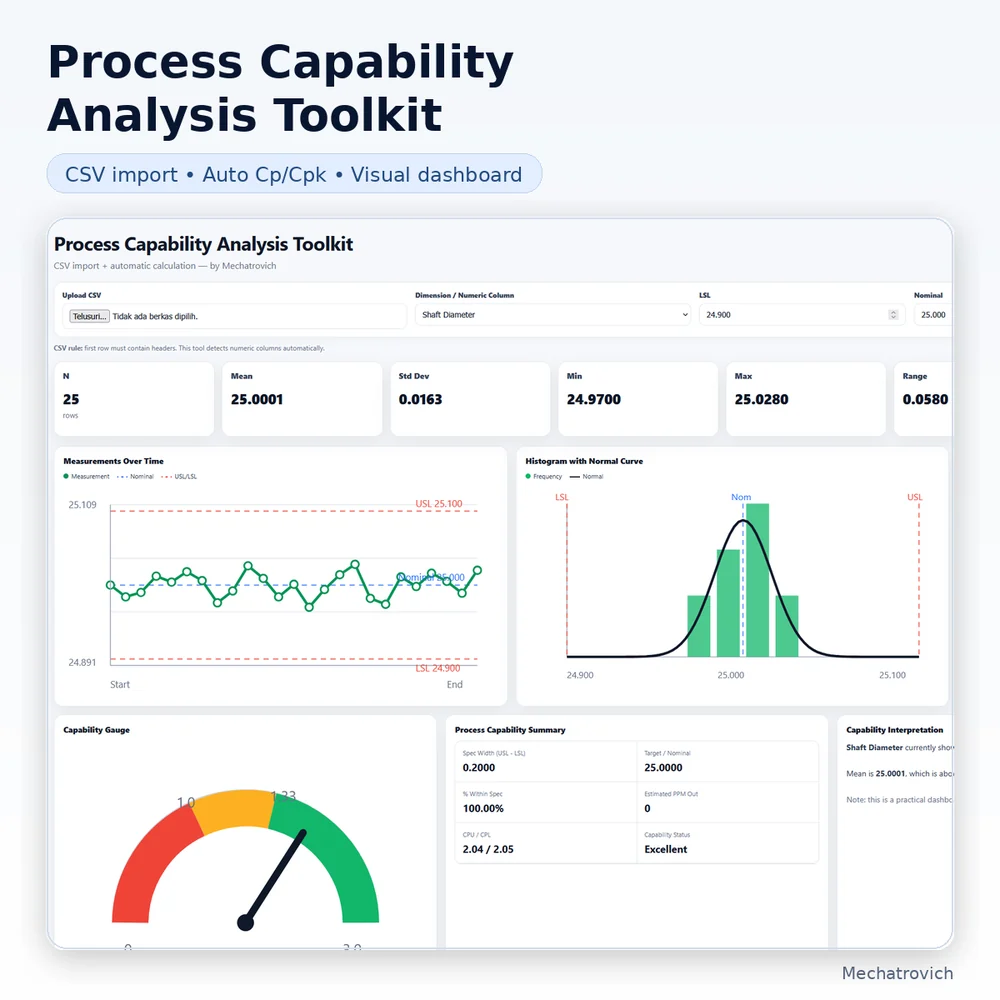 CAPABILITY / CSV
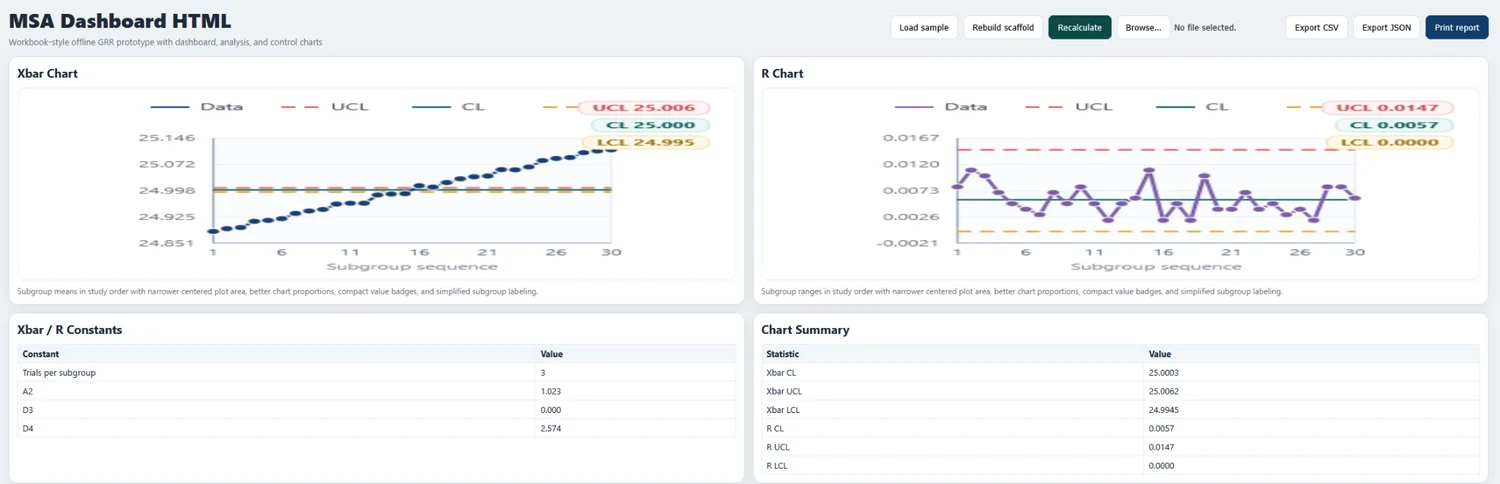 SPC / XBAR-R
Tools, books, and guides are grouped by engineering area so unrelated products do not compete for the same context.
Cpk, MSA, SPC, control charts, and the assumptions behind statistical quality methods.
Explore this area →CSV inspection, column mapping, specification checks, and repeatable measurement-data workflows.
Explore this area →Siemens NX learning, CAD workflows, and practical product-development references.
Explore this area →Unit conversion, quick calculations, and reference data for routine cross-discipline engineering work.
Explore this area →Run a limited Cpk analysis, X̄–R stability study, or CSV measurement inspection directly in your browser.
Each tool is built around a specific workflow rather than trying to become an oversized all-in-one statistical platform.
Import measurement CSV data, set specification limits, and review Cp/Cpk with a trend chart, histogram, summary, and interpretation.
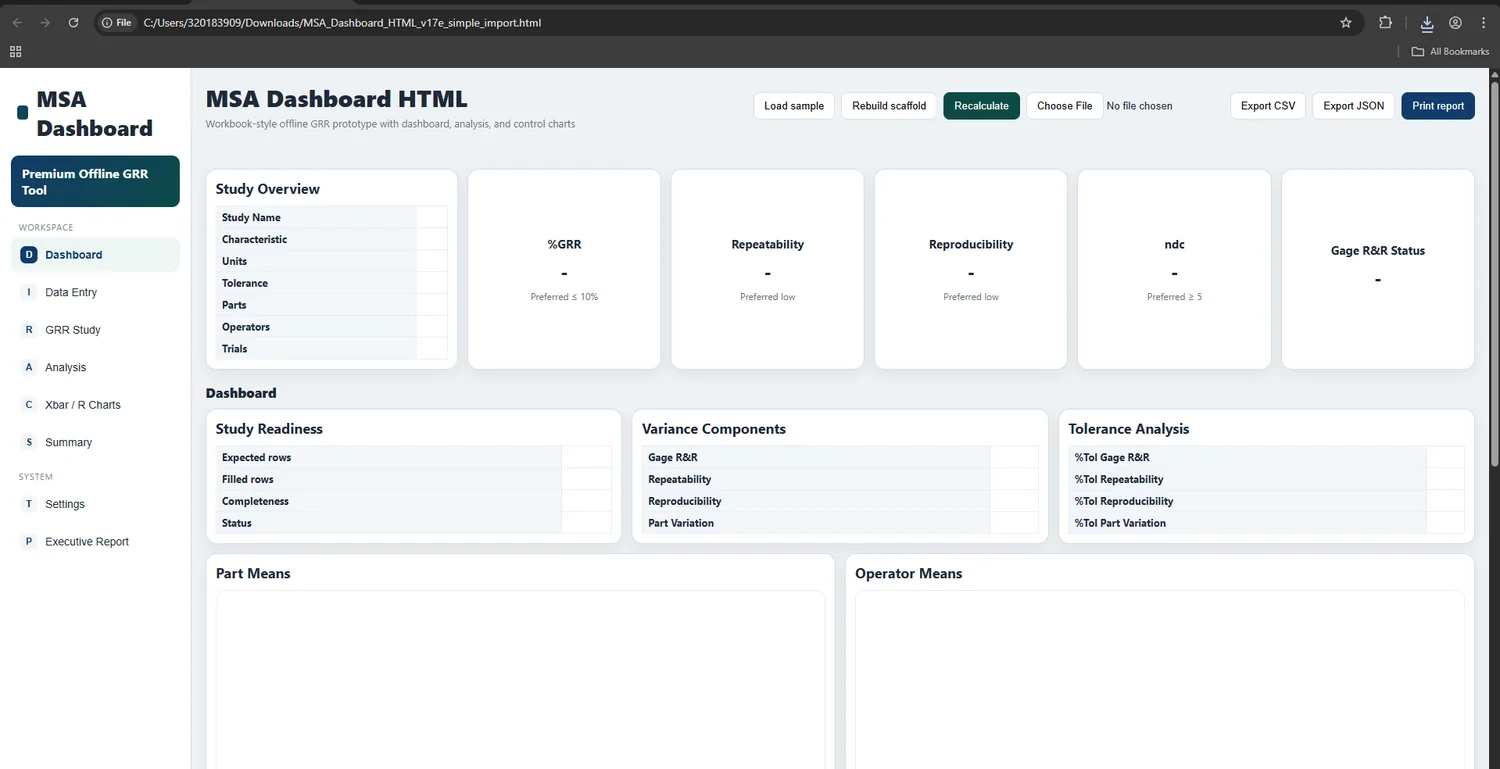
Try a crossed Gage R&R calculator, then continue with the complete Excel and local HTML analysis toolkit.
Build an editable Xbar-R check sheet, calculate control limits, inspect stability signals, preview capability, and export a review report.
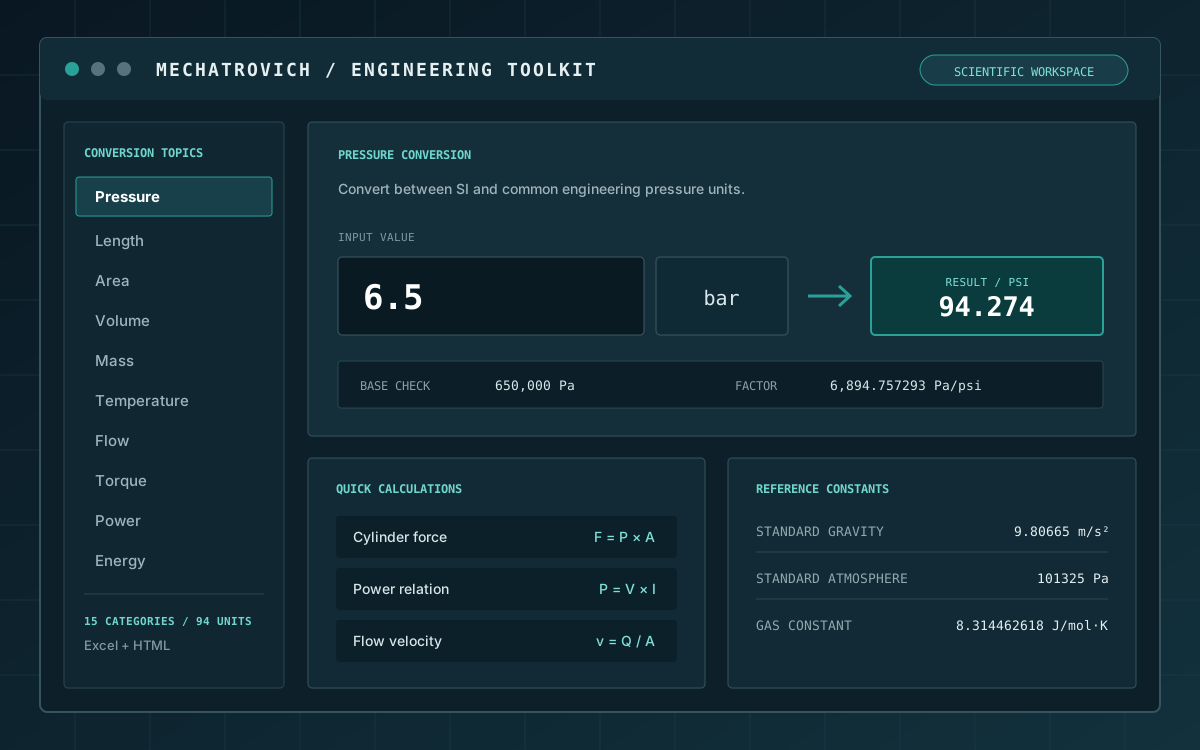
Convert across 15 engineering categories, use prepared quick calculations, and reference constants in both HTML and Excel formats.
The tools are designed around the way measurement data actually moves through an engineering review.
Import CSV data or paste values into an editable table.
Select the characteristic, subgroup logic, units, and specification limits.
Inspect charts, summary statistics, assumptions, and obvious data issues.
Save tables, charts, or a concise report for deeper analysis and discussion.
Mechatrovich tools are shaped around clarity, visible assumptions, and quick internal review. They are not positioned as replacements for Minitab, JMP, or a company-approved statistical system.
See the engineering notesLess navigation, fewer unrelated features, and a clearer first-use path.
Capability numbers only make sense alongside stability, measurement-system, and sampling considerations.
Inputs, specs, rows, and calculated outputs remain easy to inspect and edit.
The result should move into an engineering review, not remain trapped inside the tool.
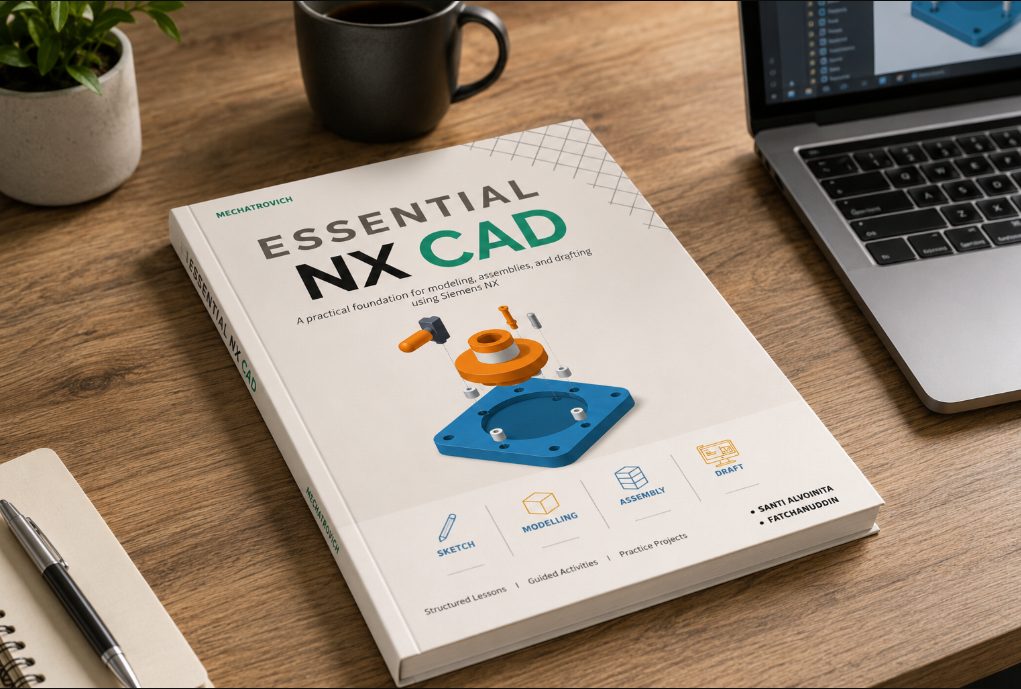
Explore a structured digital reference for engineers and learners who want a clearer path through Siemens NX workflows.
These articles connect engineering methods to tools, trials, product decisions, and broader technical observations.
Understand potential capability, centering, and why a stable process should come before the final capability conclusion.
Read guide → MEASUREMENT SYSTEMA practical overview of the main outputs and the questions an engineer should ask when the result looks poor.
Read guide → STATISTICAL PROCESS CONTROLWhy rational subgrouping, enough subgroups, and data order matter more than simply drawing three horizontal lines.
Read guide →Start with a clear answer, inspect the complete 20-measurement example, and see what must still be verified before approval.
Formal analysis still belongs in the approved workflow. Mechatrovich helps make the data ready for that conversation.
Quickly review capability, MSA, or SPC data before a formal report.
Investigate measurement and process signals without building a dashboard from zero.
Create a clearer internal data review when full enterprise software is not always available.
Connect formulas to the charts, assumptions, and workflow behind them.
The tools support engineering review. They do not replace technical judgement, calibration, sampling plans, or company procedures.
No. The tools are designed for quick internal review, learning, data preparation, and communication before deeper statistical analysis in an approved system.
They organize common review tasks—such as CSV preparation, capability checks, Gage R&R review, control charts, and report preparation—so engineers can reach a useful first result faster.
Use the output as a review aid. Validate the method, data, assumptions, and required format against your organization and customer requirements before submission.
Start with the Process Capability Analysis Toolkit when you already have measurement CSV data and need a structured Cp/Cpk review. Use the MSA Toolkit when the main question is measurement-system variation, and SPC Studio when the main question is process stability over subgroups.
Contact Mechatrovich about a tool, workflow, or technical-data problem.